/ 6 min read / Roofer SEO Co. team
Google Business Profile for Roofers: The Setup That Gets You Into the Map Pack
A step-by-step Google Business Profile setup for roofers: name, service area, categories, services, photos, reviews, and what gets a profile suspended.
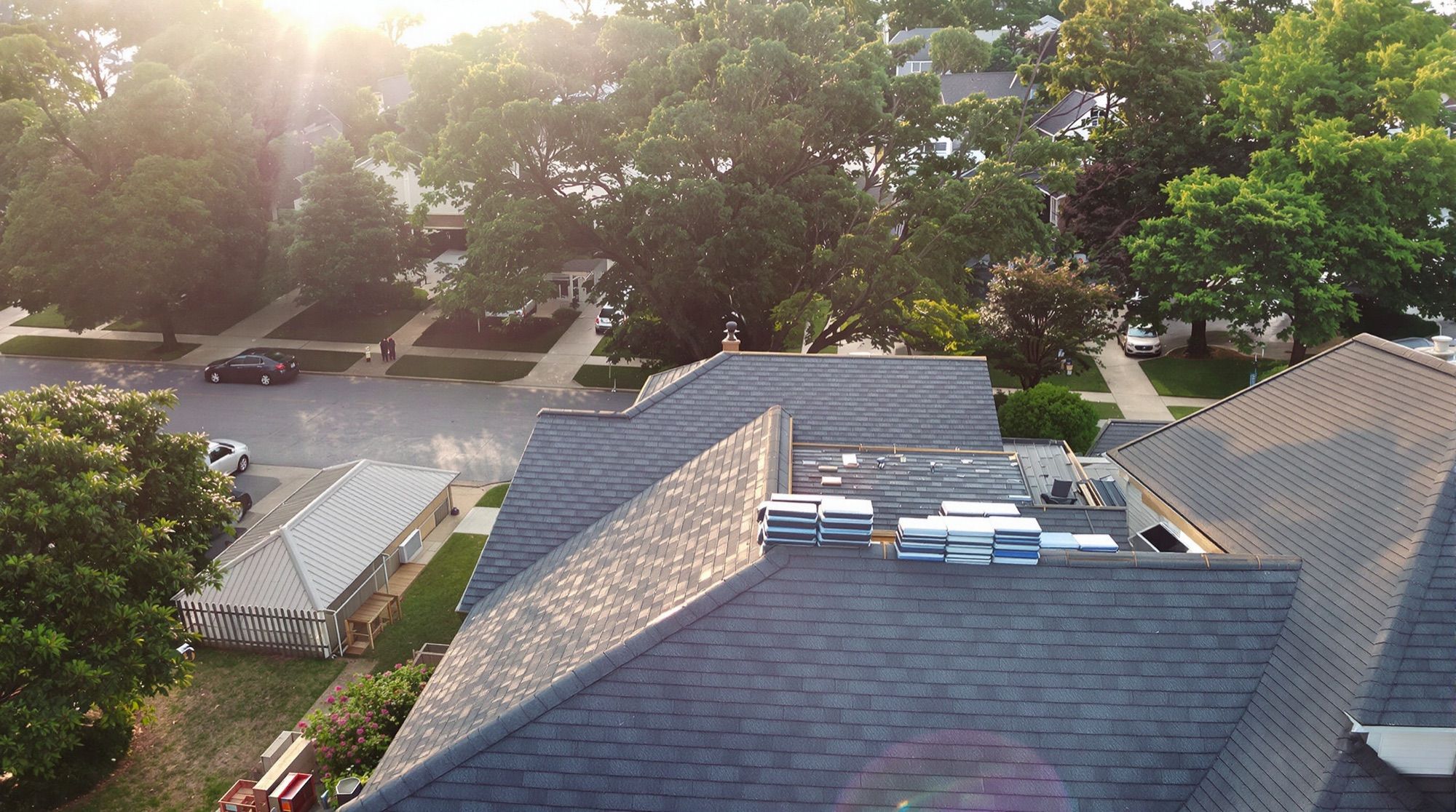
The Map Pack is built from Google Business Profiles, so the profile is where you start. Use your real business name, hide your address and list an honest service area, pick "Roofing contractor" as the primary category, list every service you sell, upload real job photos and keep reviews coming in. None of that guarantees a top-three spot, but a half-finished profile almost guarantees you won't get one.
Google says local results come down mainly to relevance, distance and prominence. Relevance is how well your profile matches the search. Distance is how far you are from the person searching, which you can't change. Prominence is how well known you are, and Google says review count and rating are part of it, along with what it finds about you across the web. The ten steps below cover the parts you control.
Step 1: Find out what already exists
Before creating anything, search Google Maps for your company name, your phone number and any name you've traded under before. Plenty of roofers turn out to have an old profile a former office manager set up, a duplicate created when someone tried to verify from a new phone, or a listing Google built on its own.
Google wants one profile per business per location, and duplicates cause problems. Claim the one that has your reviews and ask Google to remove or merge the others. Don't start a fresh profile to get around a messy one.
Verification is Google's call, and the method changes. Lately it's often a short video. If you get that option, be ready to show your truck or office signage, your tools and something that proves you run the business, such as business documents or the keys to your shop. Follow the on-screen instructions closely and redo the video if they ask for something you didn't show.
Step 2: Use your real business name
Enter the name on your truck, your contracts and your license. "Hartley Roofing" is fine. "Hartley Roofing | Roof Replacement & Storm Damage Dallas" is keyword stuffing. It's against Google's guidelines and it can get the profile suspended.
You'll see competitors in the map with stuffed names. Some get away with it for a while. You can suggest an edit to their listing through Google Maps, but don't copy them; when Google catches up, you lose the profile and the reviews on it.
Step 3: Address or service area
Most roofers are service-area businesses: you go to the customer, the customer doesn't come to you. Service-area businesses can hide their address, and a roofer running the company from a home office or a yard should.
Only show an address if customers can actually visit it during your listed hours, with staff and signage there. Google's guidelines for representing your business say a virtual office isn't eligible for a profile, and P.O. boxes or mailboxes at remote locations aren't acceptable addresses. A rented mailbox in the next town over, set up so you "appear" in that town, is one of the quickest ways to lose a profile.
For the service area, list the towns or counties where you'd send a crew tomorrow. Adding 40 towns won't put you in the map 50 miles from your base; your visibility still centers on where you really are. A short, honest list reads better to homeowners too.
Step 4: Categories
Primary category: "Roofing contractor." That's the category that lines you up with roofing searches.
Add secondary categories only for work that's a real part of the business. Google's guidelines say to choose the fewest categories that describe your core business. If gutters and siding are a regular line of work for you, look for the matching categories in the dropdown and pick from the list, because the exact wording changes. Skip categories for work you sub out or do twice a year.
Step 5: Services
Many roofing profiles leave this section half empty. Add every service you sell, each with a short, plain description. For example:
- Roof replacement: "Full tear-off and replacement on homes across [County]. Architectural shingles and metal. Permit, cleanup and magnet sweep included."
- Roof repair: "Leaks, missing shingles, flashing, pipe boots and vents."
- Storm damage inspection: "Photo report of hail and wind damage after a storm. If we don't see damage, we'll tell you."
- Emergency tarping: only if you really come out after hours.
- Metal roofing, flat roofing, skylights, gutters: only what you actually install.
Write the descriptions the way you'd explain them at the kitchen table. Cramming city names into every line doesn't help the homeowner reading it and looks like spam.
Step 6: Hours, phone and website
List the hours someone answers the phone. If you take emergency calls at night, set your hours to match; if you don't, leave it. Use special hours for holidays so nobody drives to a locked door or calls into silence.
Use a local number that gets answered. If you use a call tracking number, a common setup is the tracking number as the primary phone and your main business number as an additional phone, so the number on your truck and directories still matches.
Link the website field to your homepage, or to a location page if you have more than one office. That page should show the same company name, phone number and towns as the profile.
Step 7: Photos
Homeowners scroll through photos to judge if you're a real local outfit. Upload your own:
- Finished roofs from the street, in daylight
- Close-ups that show workmanship: chimney flashing, ridge cap, drip edge, valleys
- Crews at work with safety gear on
- Trucks and trailers with your name on them
- Before and after pairs shot from the same angle
Add a logo and a cover photo. No stock images, and no manufacturer brochure shots passed off as your work. Add a few new photos from jobs every week or two; a profile whose newest photo is three years old looks closed. Leave out house numbers and customers' faces unless they've said it's fine.
Step 8: Description
Google gives you 750 characters. Use them to say who you are, which towns you work in, what you install and how you work: who answers the phone, how you handle cleanup, which manufacturer warranties you can offer if you're certified for them. Keep URLs and sale offers out of it.
Step 9: Reviews and replies
Reviews feed prominence and they decide which listing gets tapped. Ask every customer at the final walkthrough, then text them your review link the same day. Don't ask only the happy ones (that's review gating) and don't offer anything in return for a review. Both are against Google's review policies. Reply to every review, good or bad, briefly and specifically.
Step 10: Posts
Posts are short updates with a photo: a finished job in a named town, a seasonal reminder, a note after a storm. As far as anyone outside Google can tell, they aren't a big ranking lever, but they show a homeowner the profile is alive. Once or twice a month is plenty.
What gets roofing profiles suspended
- Keyword-stuffed business names
- Virtual office or mailbox addresses
- More than one profile for the same business, including "satellite" profiles in towns where you have no office
- Fake reviews, including reviews from employees and family
- Changing name, address and categories all at once, which can trigger a fresh review of the profile; make big changes one at a time
If a suspension happens, don't open a new profile. Fix the cause and go through Google's reinstatement request.
What a full rebuild looked like for one roofer
In the Florida roofer case study, a full Business Profile rebuild (geo-tagged photos, detailed services) was one piece of the work, alongside citation cleanup on home-service directories, a review-request process and locally relevant links. Between March and September 2025 the company reached #1 in the Google Map Pack for its most profitable keywords. The profile work ran together with everything else, so treat it as one part of a campaign rather than the whole thing.
Your Business Profile sits at the center of local SEO for roofers, with citations, reviews and service pages all feeding it. Steps 1 to 5 cost nothing and take an afternoon, so start there this week.